

Information
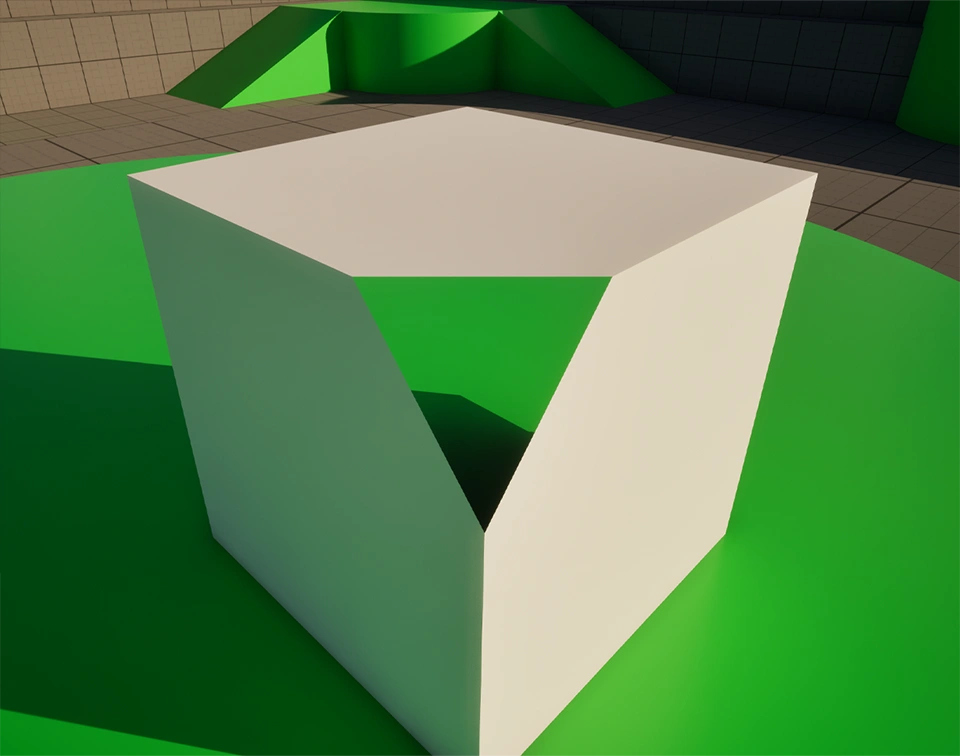
If your camera is clipping through walls, floors, or assets in Unreal Engine, the most common cause is the Near Clip Plane being set too high for your scene. The near clip plane controls how close geometry can get to the camera before it disappears. Lowering it lets the camera render objects that are very close, which is especially useful for first-person cameras, tight interiors, and cinematic close-ups.
If you prefer video over reading, check out the YouTube tutorial series where I post a new Unreal Engine tutorial every day.
Temporary solution
- Open the console by pressing the tilde key ~ on your keyboard.
- Type
r.SetNearClipPlane 10. Replace 10 with a lower value to reduce clipping. - Press Enter to run the command, and the clipping should disappear immediately.
Permanent solution
- Open Project Settings by going to Edit > Project Settings.
- Search for: Near Clip Plane.
- Lower the value until the clipping disappears. The default value is 10.