

Information
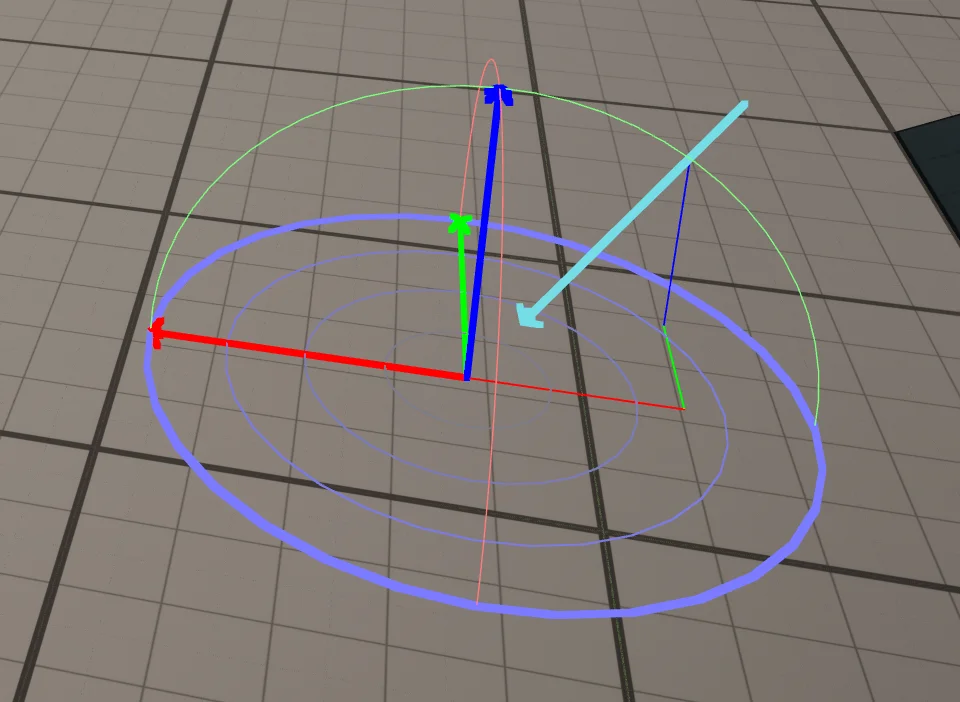
When you're setting up lighting, manually selecting and rotating the Directional Light can get tedious. Luckily, Unreal has a handy shortcut that lets you aim the sun directly from the viewport instead.
If you prefer video over reading, check out the YouTube tutorial series where I post a new Unreal Engine tutorial every day.
How to change the light position
- Hold Ctrl + L in the viewport.
- Move your mouse to rotate the Directional Light.
- Release to lock in the new sun direction.
Use Ctrl + Z to undo the change.
If reaching from Ctrl to L feels awkward, try using the right Ctrl key next to Enter instead.