


Information
The Select node in Unreal Engine Blueprints lets you choose between multiple values and return one of them as an output. The value that is returned depends on the node's Index input.
This is useful when you need to choose a value based on a condition or state without creating additional execution branches in your Blueprint graph.
Prefer watching a video instead? Check out our Video Tutorial on this topic.
Use the Select node
Add a Select node to your Blueprint graph and connect the values you want to choose between. The node returns one of those values depending on what is connected to its Index.
The selected values can be many different types, such as numbers, strings, vectors, objects, classes, or other compatible Blueprint data types.
Select with a Boolean
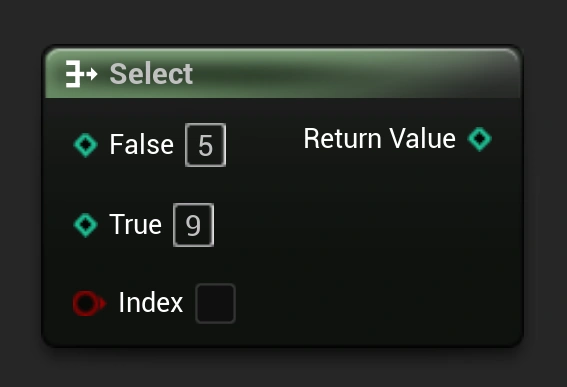
When using a Boolean as the Index, the Select node gives you two options: one for False and one for True.
This makes it useful for simple choices, such as selecting one value when something is enabled and another when it is disabled.
Select with an Integer
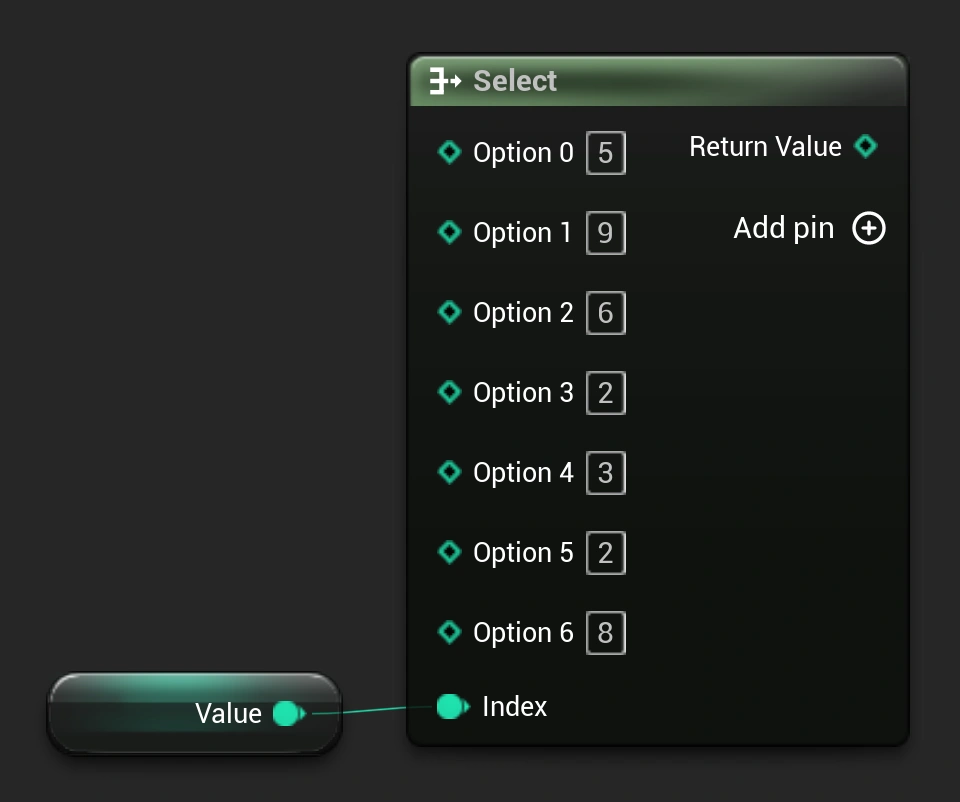
An Integer can also be used as the Index. Each number corresponds to one of the available options on the Select node.
You can add additional option pins when you need to choose between more than two values.
Select with an Enum
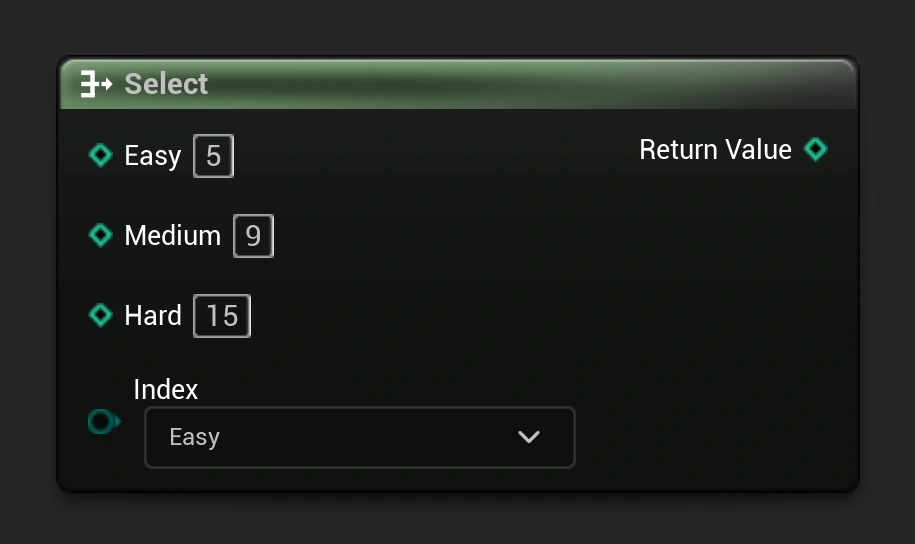
Using an Enum with a Select node can make the Blueprint much easier to understand. Each Enum entry becomes a named option instead of relying on numbers to determine which value should be selected.
For example, an Enum containing Easy, Medium, and Hard could be used to select a different value for each difficulty setting.
Select vs Branch
A Branch controls which execution path should run, while a Select node chooses which value should be returned. Select nodes do not need execution pins and can be placed directly inside value connections.
If you only need to choose between different values, using a Select node can often keep the Blueprint smaller and easier to read than creating multiple branches.