


Introduction
Unreal Editor for Fortnite (UEFN) makes it easier than ever to create custom Fortnite experiences, but one of the biggest challenges is still making your island stand out. With so many creators using similar assets and styles, creating a truly distinct look can be difficult. That is where our post process materials come in.
You can think of post process materials as Photoshop or Instagram filters for your game. Instead of editing individual assets, materials, or props one by one, you apply an effect to the camera and transform the final image all at once.
This is a fast and efficient way to give your island a unique visual style and make it more memorable.
Endless creative possibilities with post process materials
We have seen creators use our post process materials in all kinds of creative ways, and here are some of the most popular examples.
Stylization
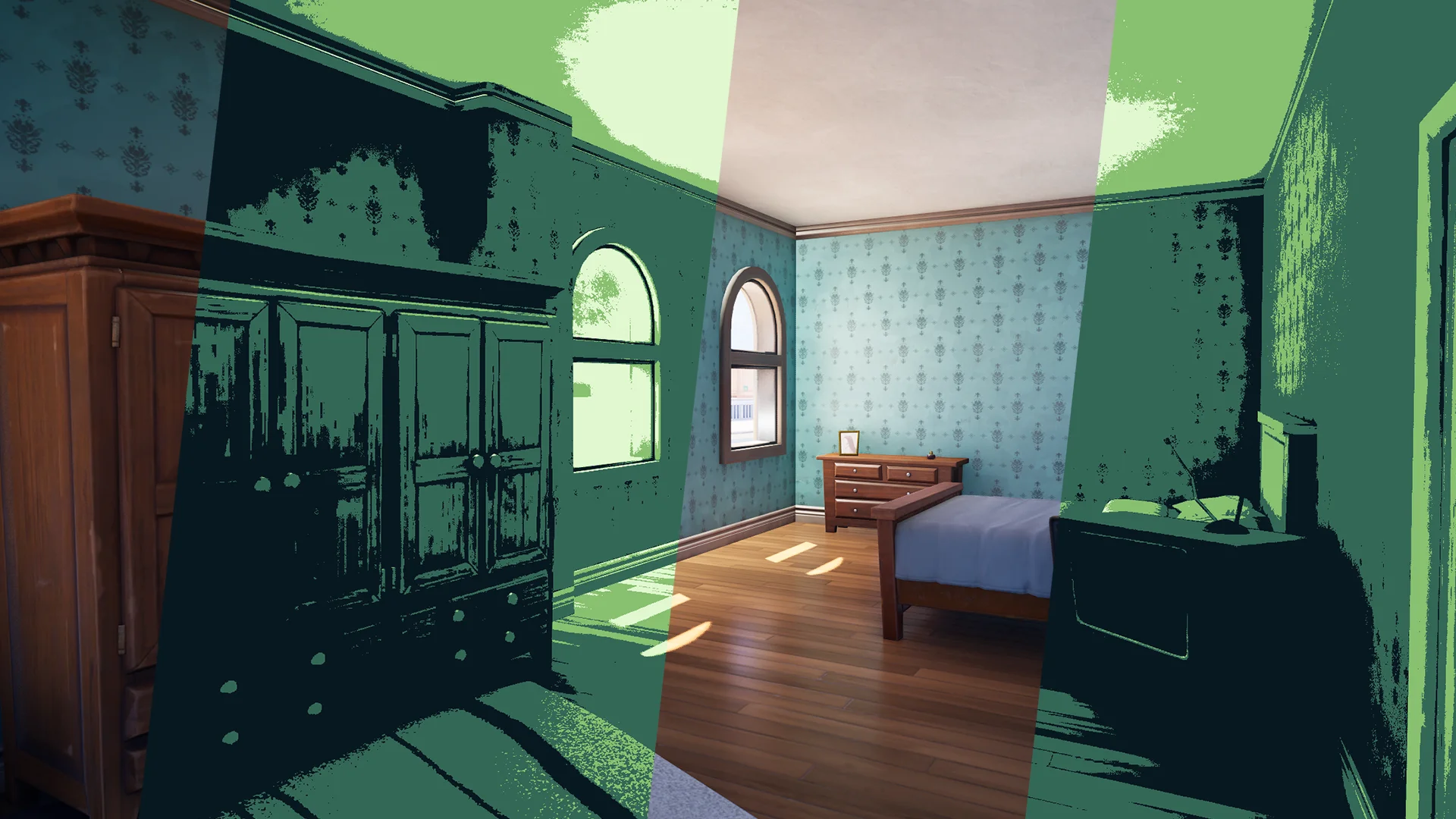
Our Cel Shader and Colorize Effects give you, as a creator, many different ways to change how players experience your island in Fortnite. Players will still be able to use their own skins, but the colors and outlines are transformed to match the style and mood you want for your world.
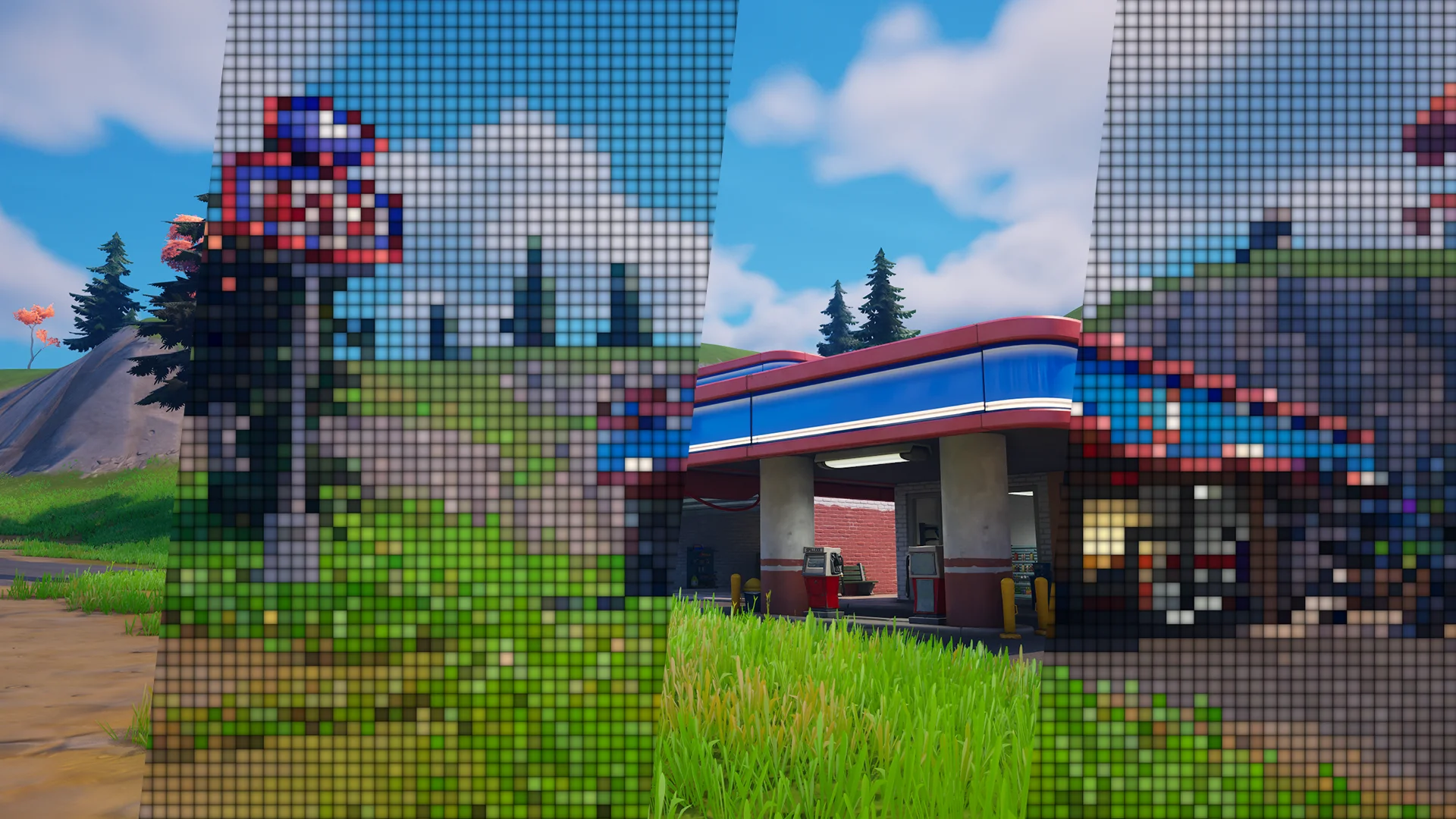
Our Advanced Pixelation pack is another great way to make your island stand out. One creator used it to create the feeling that you, the player, had been pulled into an arcade machine and had to find your way out.
Role-playing
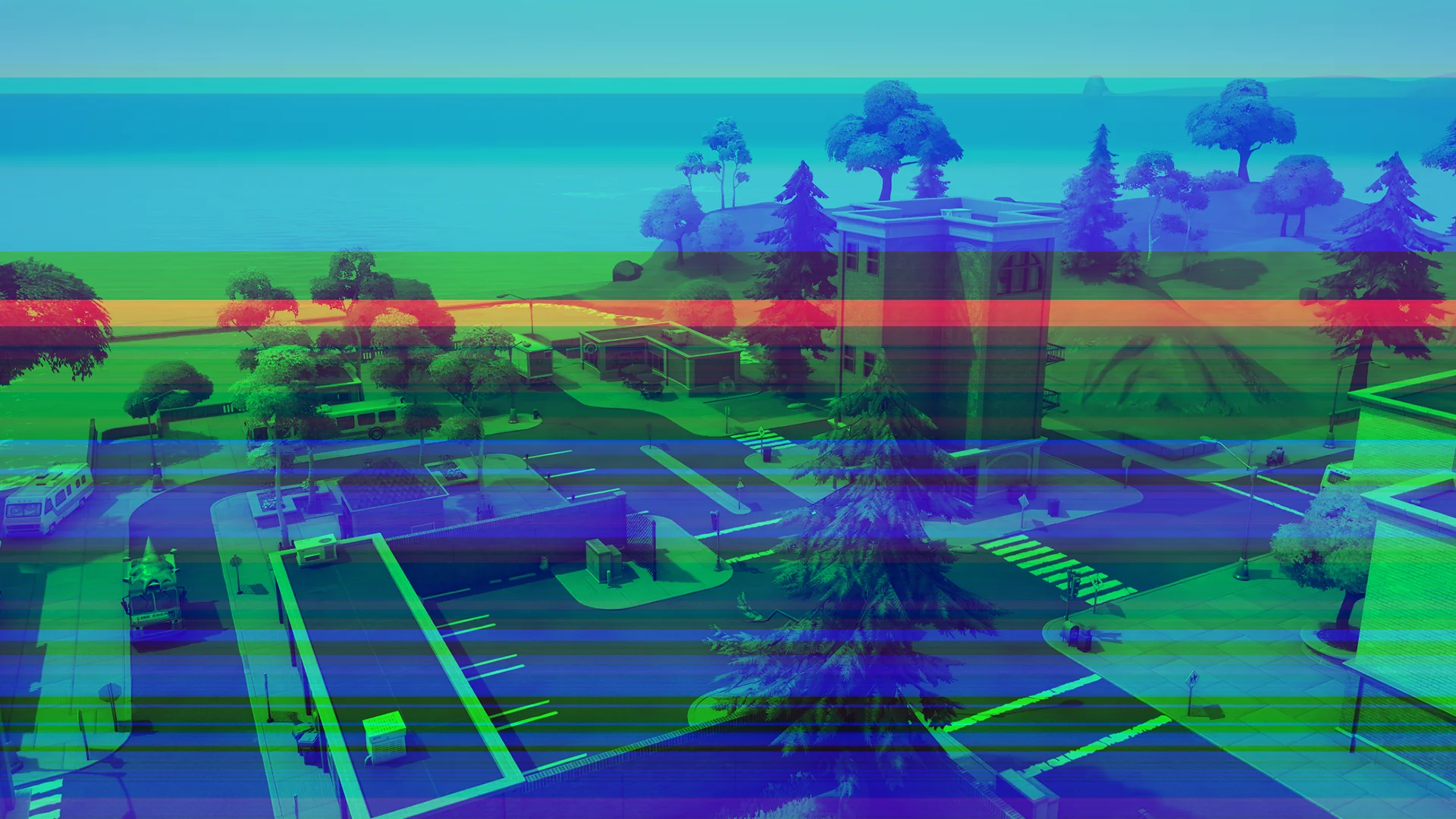
Some of our effects have also been used to enhance role-playing experiences. Creators have used them to make players feel as though they were cursed or affected by strange forces. For example, the glitch effects can make it seem as if something is wrong with the player's display. Our psychedelic and intoxication effects can also distort the player's view, causing the screen to wobble, blur, or spasm out of control.
Horror
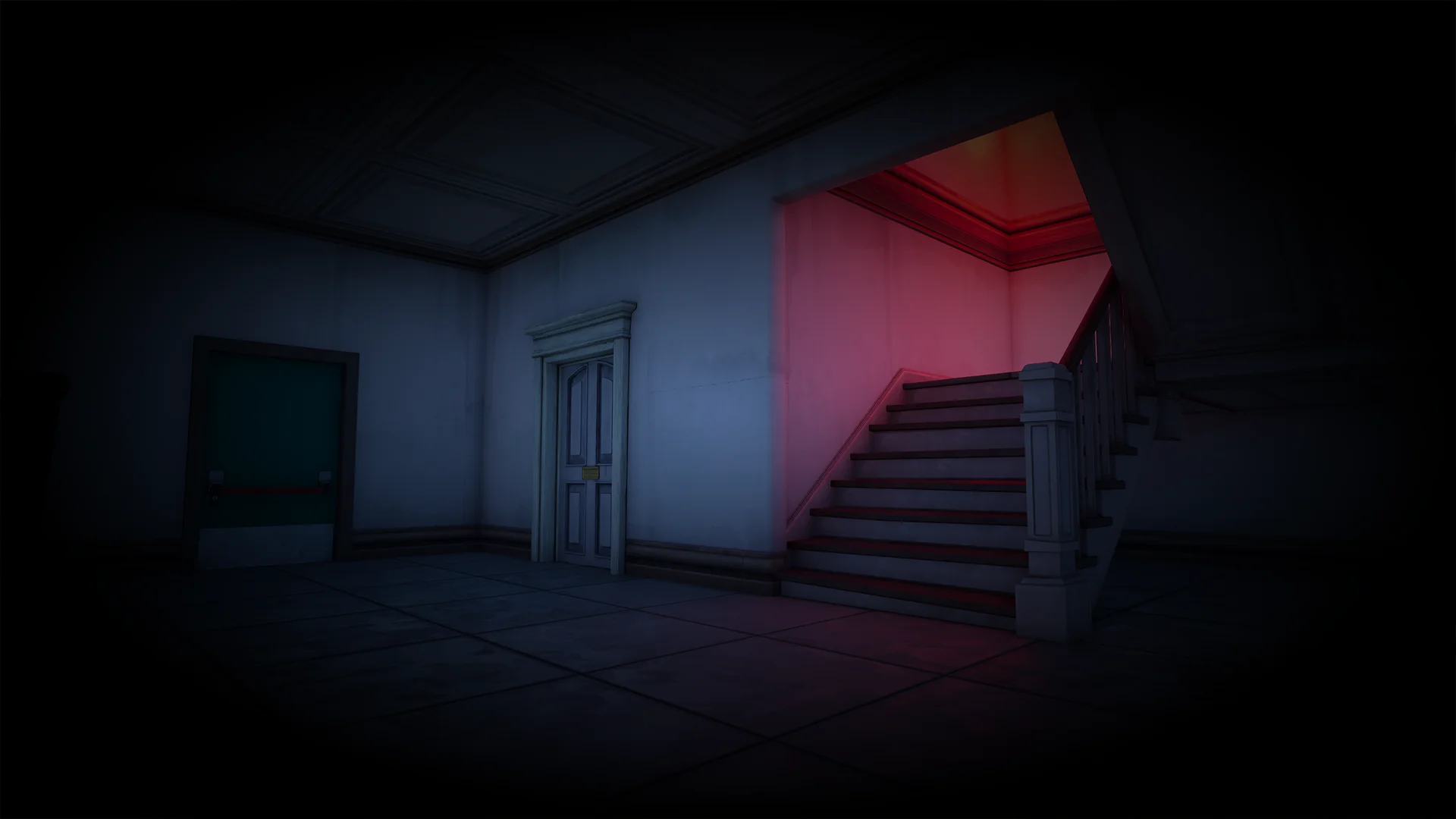
If you are creating a horror experience, our vignette effects are a great way to make scenes feel darker and more claustrophobic. When combined with our Look-Up Tables (LUTs), they also make it easy to test and apply color correction, so you can modify the mood of your island quickly. Our LUTs have even been used by a cinematographer who worked on the first Black Panther film, showing their potential to create a more cinematic visual style.
Education
There are many educational islands in Fortnite, and post process materials can be useful there as well. We have helped creators explore topics such as color blindness by providing free color blindness filters. These effects can help players better understand how different visual conditions change the way the world is seen.
Why our post process materials work so well in UEFN
We currently offer more than 125 post process materials, a beginner-friendly installation guide, and many tutorials that show you how to set them up, modify them, and use them in your own projects.
Project size is much smaller than people expect
One concern many UEFN creators have is project size. That is understandable, especially when you are trying to fit a lot of content into a Fortnite island and do not want a visual effect taking space away from everything else.
The good news is that our post process materials are very inexpensive in terms of project size. In our testing, the post process materials typically take up less than 0.5% of the total project size.
If a post process material uses a texture, that texture is usually what increases project size, not the post process logic itself. Even then, if you ever need to reduce size further, you can lower the texture resolution. In most cases, that is unlikely to be necessary, but the option is there.
Performance is extremely good
Performance matters just as much as project size, and this is another area where creators are often pleasantly surprised.
Our post process materials are designed to be extremely performant. In most cases, they have little to no meaningful impact on frames per second (FPS). Of course, not every rendering effect is free, and performance always depends on what an effect is doing. But generally, our post process materials are built to be lightweight and practical.
Mobile and forward shading support
UEFN uses deferred shading by default, and all of our post process materials support it. On older mobile devices that cannot use deferred shading, forward shading is used instead. In that rendering path, about 95% of our post process materials are supported, so the large majority of our effects still work on older tablets and mobile devices.
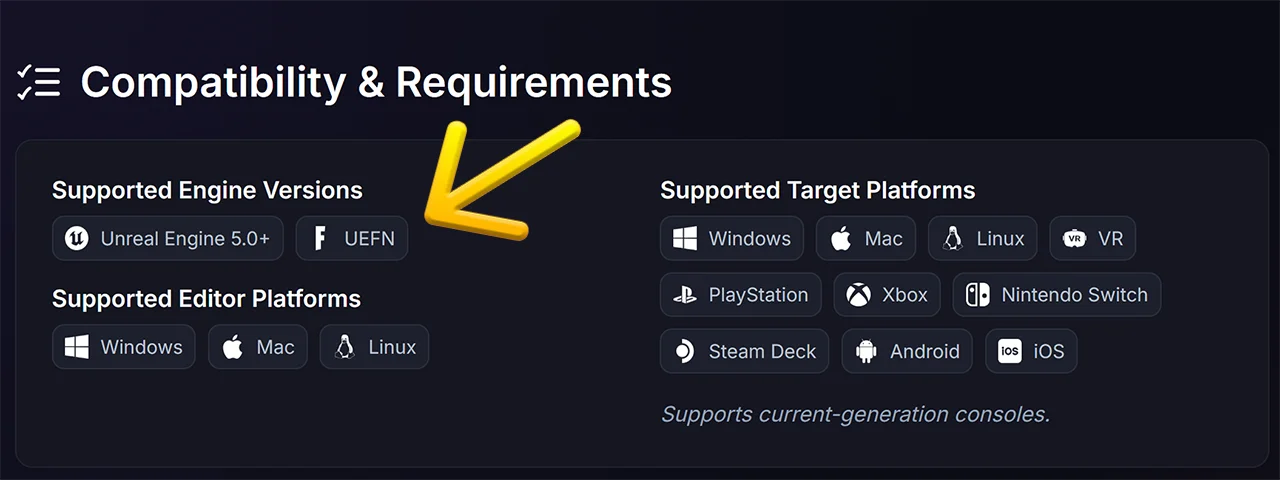
On the product page, you can find information on whether forward shading is supported, as well as UEFN compatibility and much more. Also, if you want to test compatibility inside UEFN, you can do so using the Launch option for mobile and tablet preview. That is the best way to confirm how an effect behaves across supported targets before you release your island.
We support you and your project
If you have any questions or would like more information, feel free to contact us through our contact page. We read every message and are always happy to help with use cases, setup, and how our post process materials can be used to create better experiences for your players.