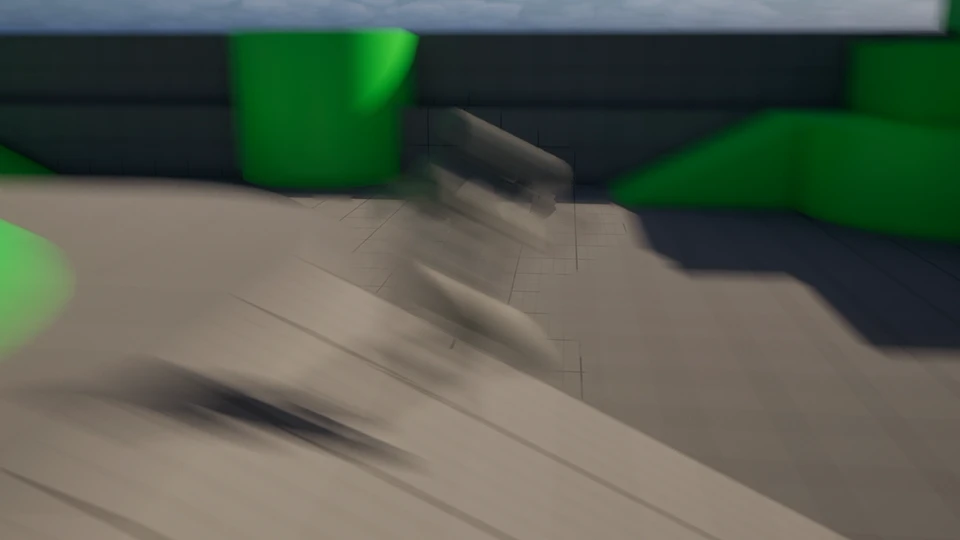
Visualize motion blur in Unreal Engine
Learn how to view motion blur in Unreal Engine to quickly check how post process motion blur affects your scene.
Helpful tutorials, articles, and guides to help you get the most out of our products.
Learn how to view motion blur in Unreal Engine to quickly check how post process motion blur affects your scene.
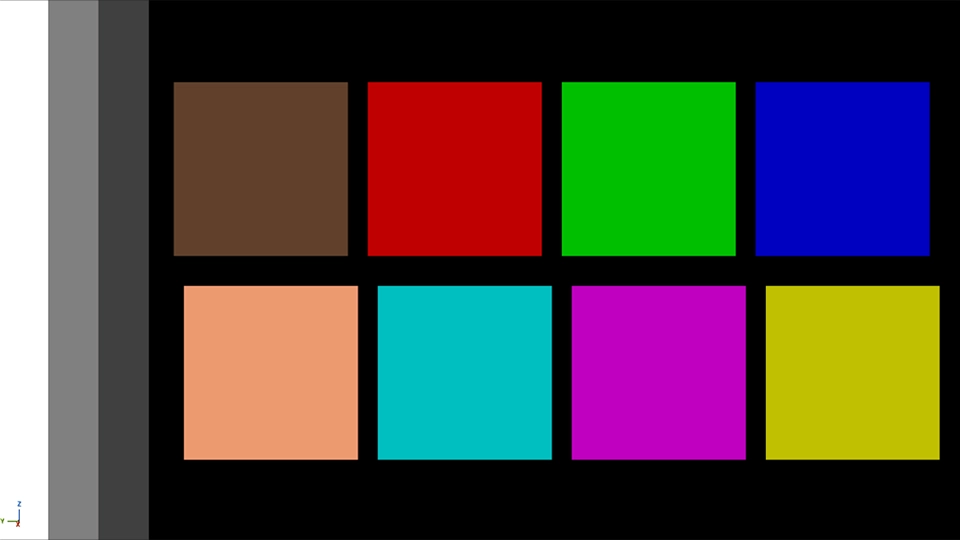
Learn how to display Unreal Engine’s color calibration palette using the Visualize Calibration Color console command.
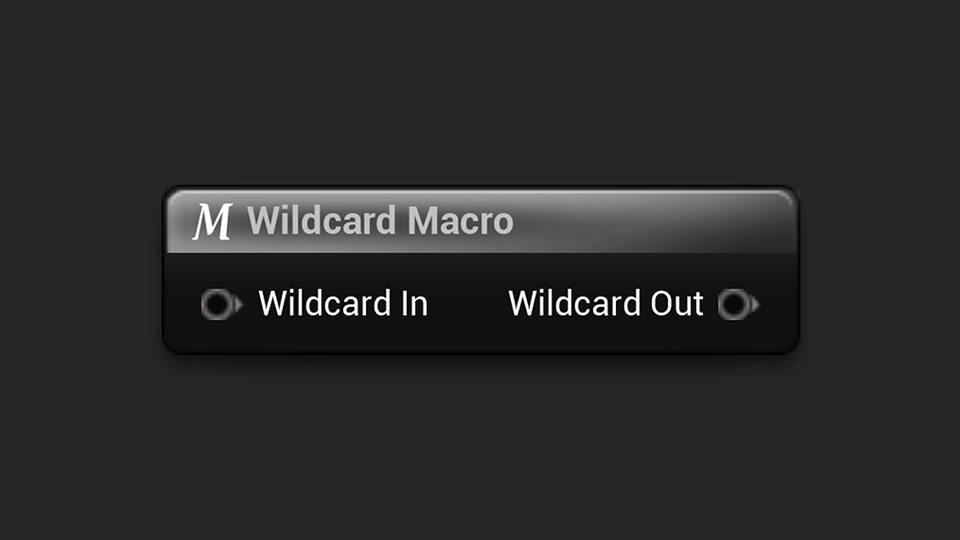
Learn how to use wildcards in Unreal Engine macros to create flexible logic that adapts to different variable types.
Learn how to use the Note & Documentation Actors in Unreal Engine to add helpful level notes, comments, and documentation directly inside your project.
Learn how to view all exposed console commands in Unreal Engine for debugging, testing, and development.
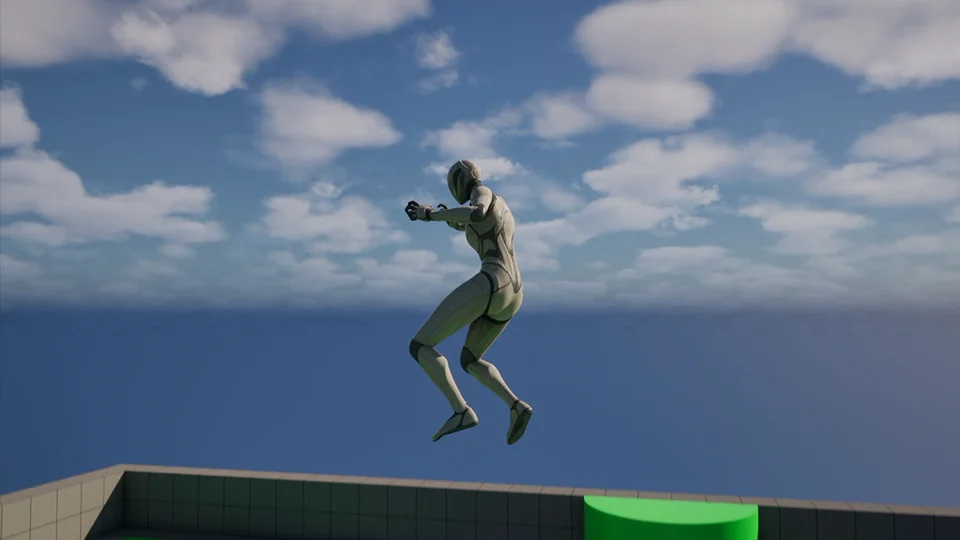
Learn how to change gravity in Unreal Engine for your whole project, a specific level, or characters.
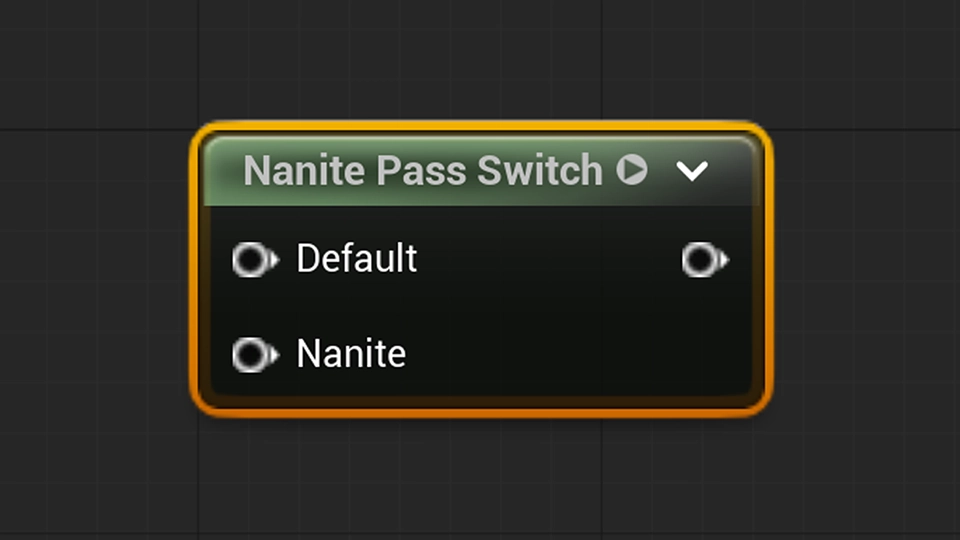
Learn how to optimize Unreal Engine materials with material switches for better performance and flexibility.
A snippet that pixelates an input in the Unreal Engine material editor.
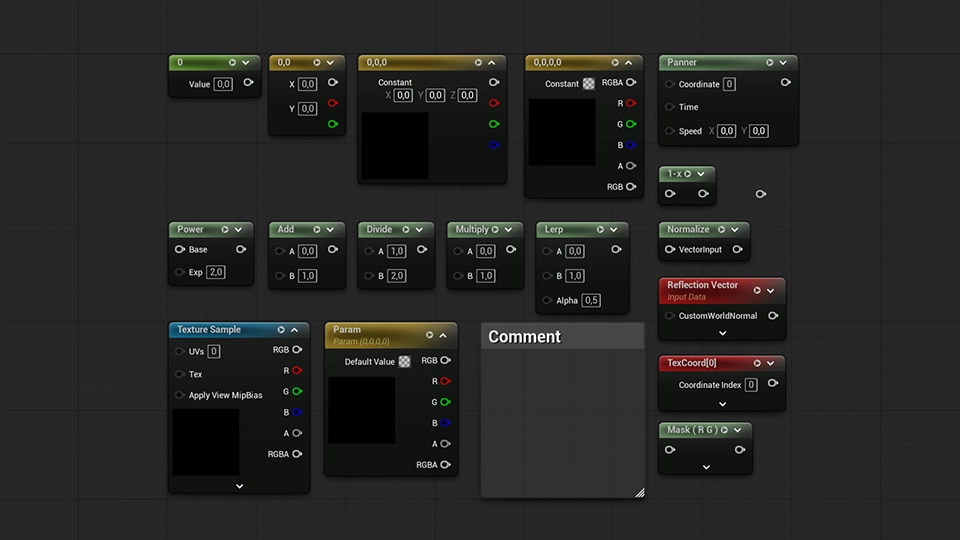
Speed up your material workflow with these useful Material Editor shortcuts in Unreal Engine.
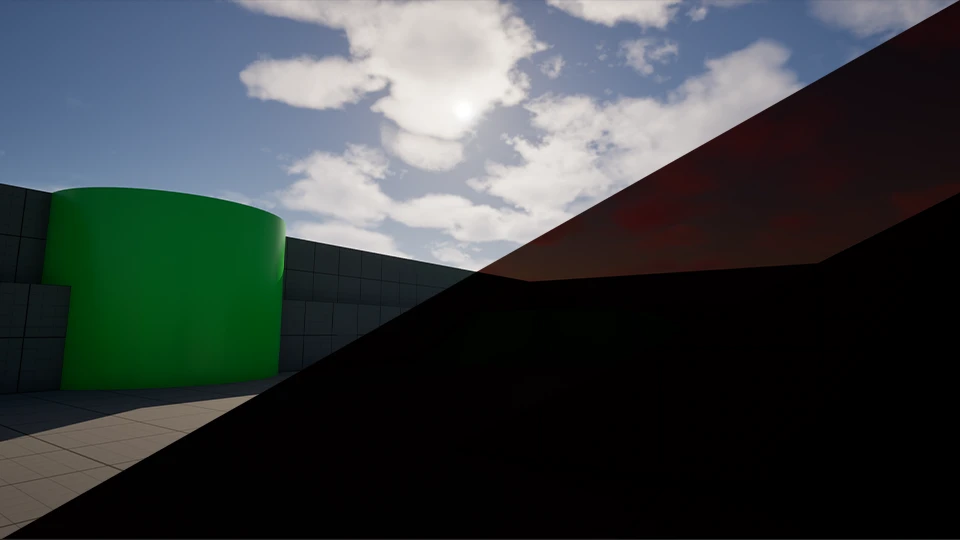
A quick guide to disabling Lumen in Unreal Engine for improved performance.
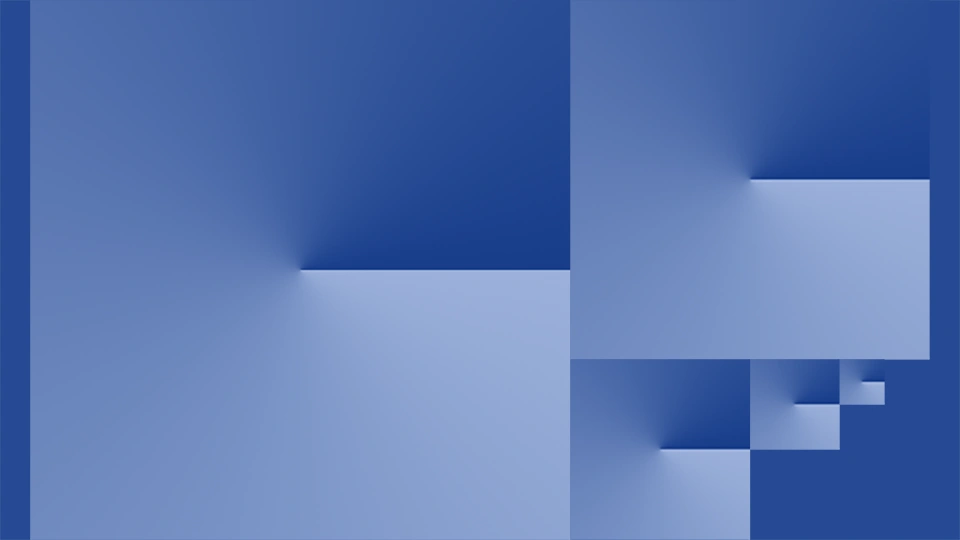
A quick way to optimize textures in Unreal Engine for better performance and lower memory usage.
Learn how to save camera positions in Unreal Engine for faster scene navigation and a smoother workflow.