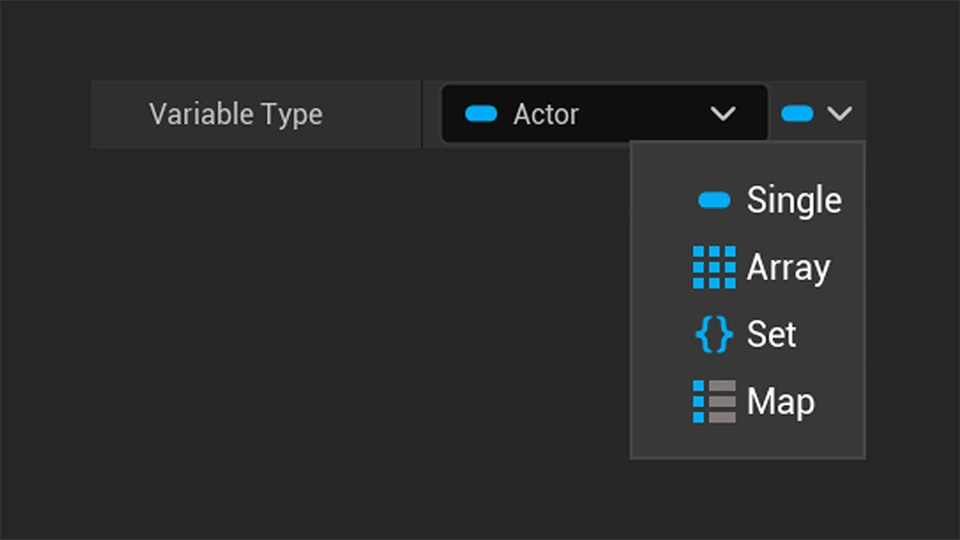
Understanding the different Variable Containers in Unreal Engine
Learn how to use Arrays, Sets, and Maps to store multiple values in Unreal Engine.
Helpful tutorials, articles, and guides to help you get the most out of our products.
Learn how to use Arrays, Sets, and Maps to store multiple values in Unreal Engine.
Learn how to download images from a URL and use them in Unreal Engine while your game is running.
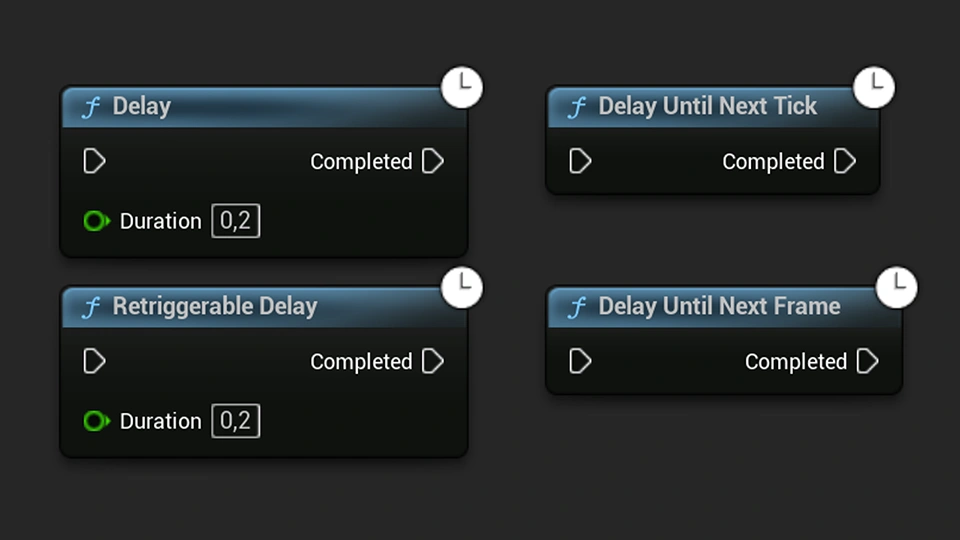
Learn the differences between Delay, Retriggerable Delay, and the next tick and next frame delay nodes in Unreal Engine.
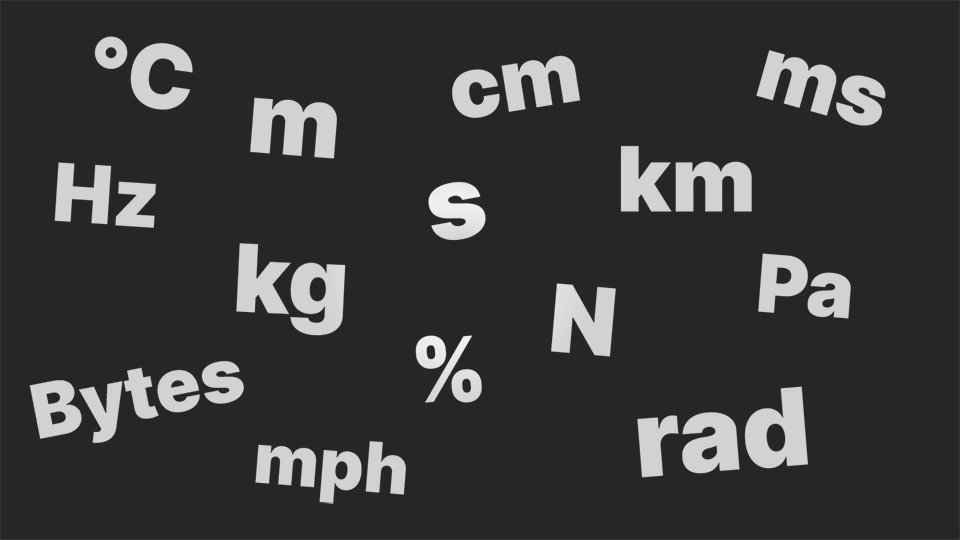
Learn how to add units such as centimeters, seconds, and percentages to Blueprint variables in Unreal Engine.
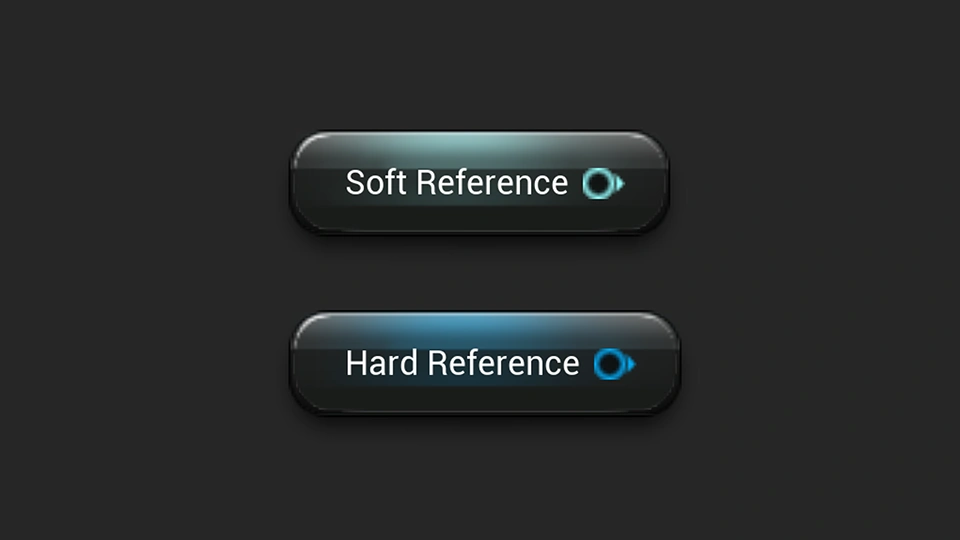
Learn how to use soft references in Unreal Engine to reference assets without automatically loading them into memory.
Learn why Construction Scripts can slow down the Unreal Engine editor when many Actors need to be reconstructed.
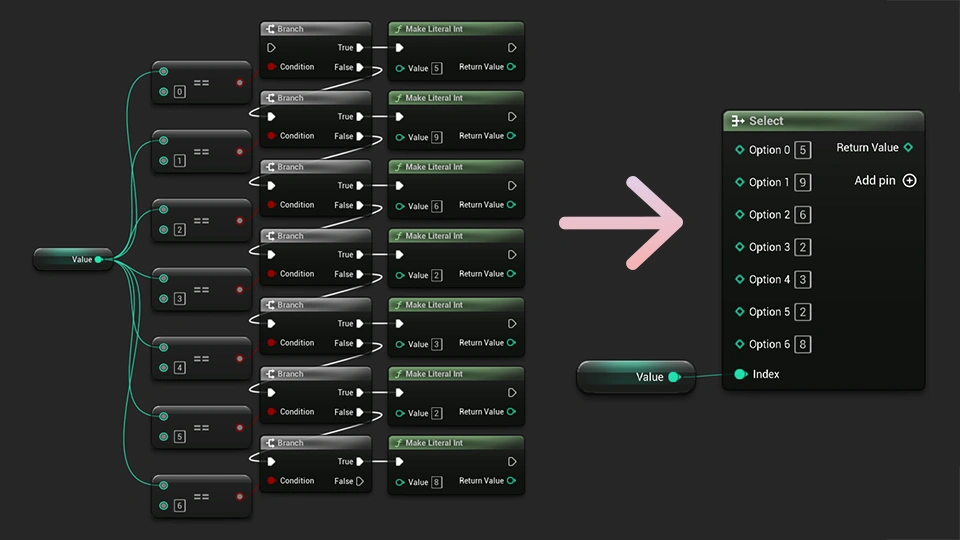
Learn how to use the Select node in Unreal Engine Blueprints to choose between different values without adding unnecessary branches.
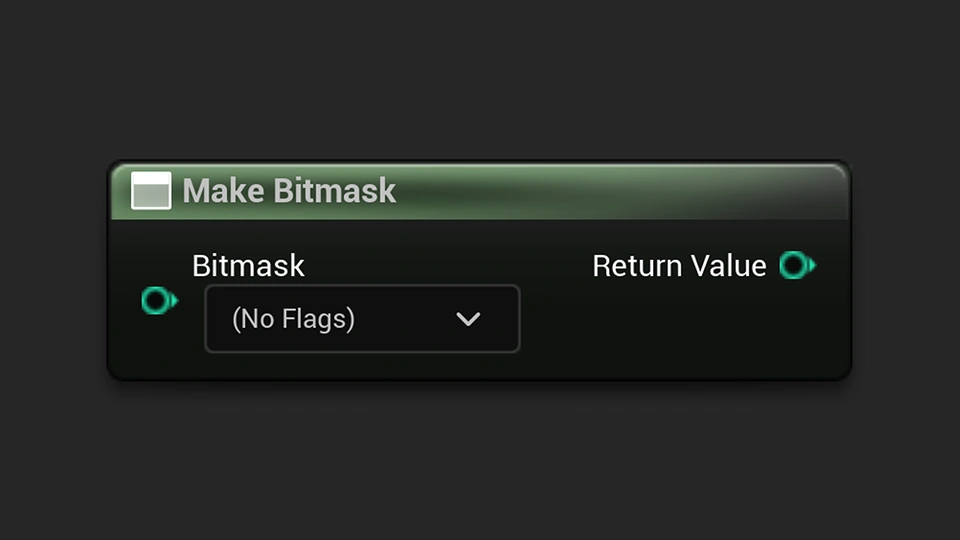
Learn how to turn integer variables into bitmasks and connect enums to create readable flags in Unreal Engine Blueprints.
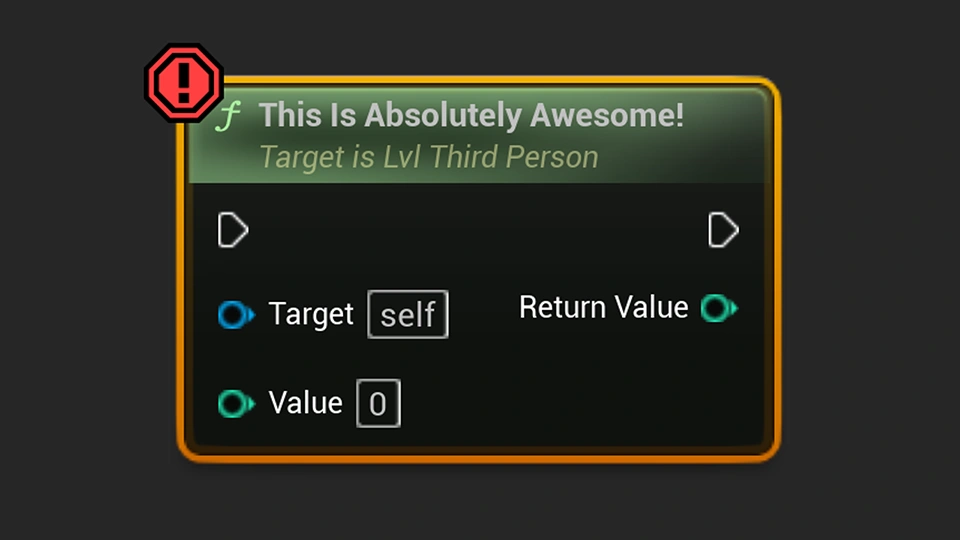
One small Unreal Engine feature has a surprisingly big impact on how quickly you can test ideas and fine-tune gameplay.

Learn how to intentionally crash Unreal Engine using console commands for testing crash reporting and debugging.

Learn how function access specifiers control where Blueprint functions can be used in Unreal Engine.
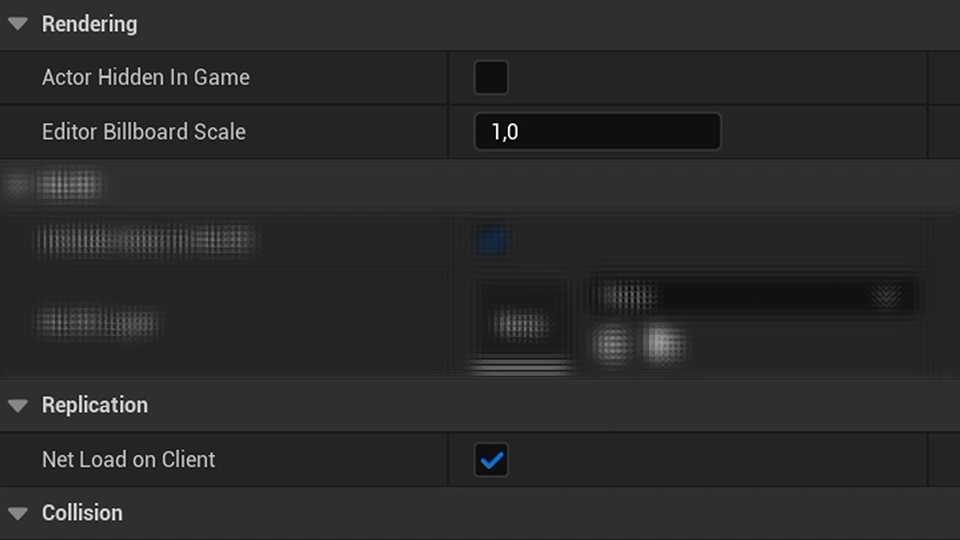
Learn how to hide unnecessary Actor details in Unreal Engine to keep the Details panel cleaner and easier to use.