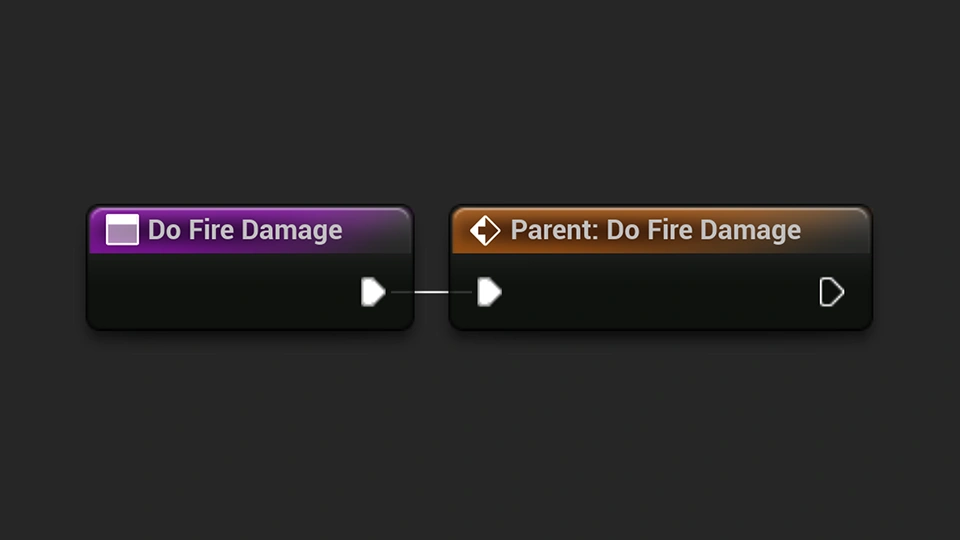
How to override functions in Unreal Engine
Learn how to override functions in Unreal Engine to customize how child Blueprints behave.
Helpful tutorials, articles, and guides to help you get the most out of our products.
Learn how to override functions in Unreal Engine to customize how child Blueprints behave.
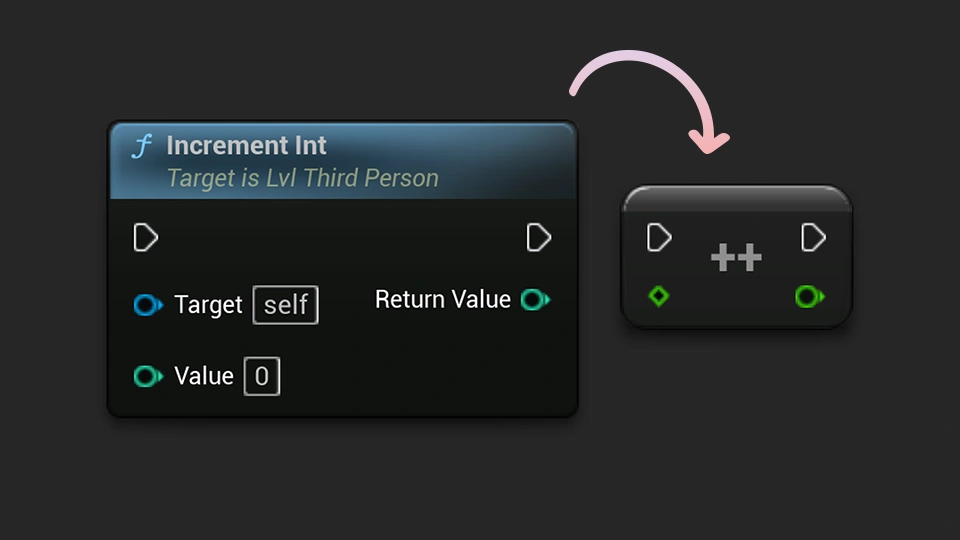
Learn how compact nodes in Unreal Engine can reduce Blueprint clutter and make your graphs easier to read.
Learn how to lock Actors in Unreal Engine to prevent them from being accidentally moved while working in the editor.
Learn how to improve Play-In-Editor performance in Unreal Engine by lowering the resolution screen percentage.
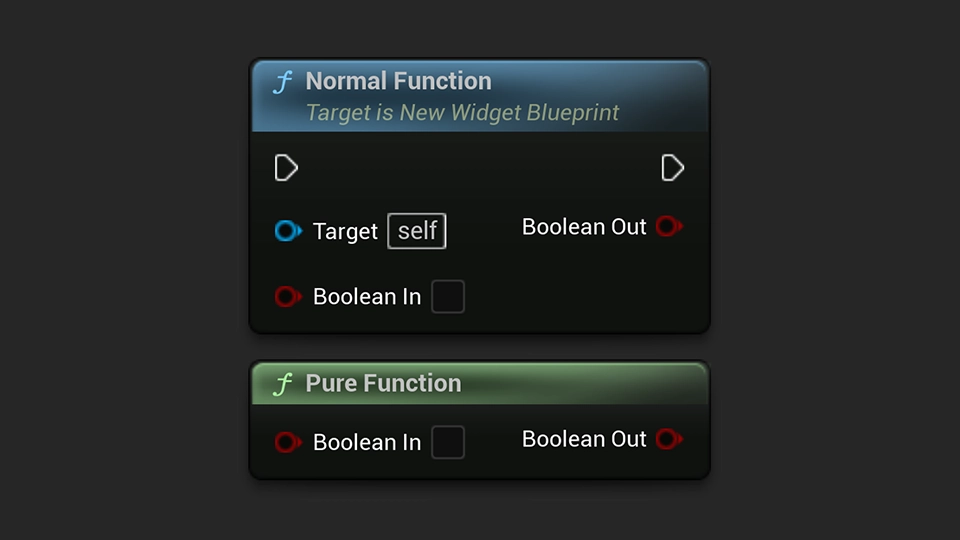
Learn what pure functions are in Unreal Engine Blueprints and how they can make your code better.
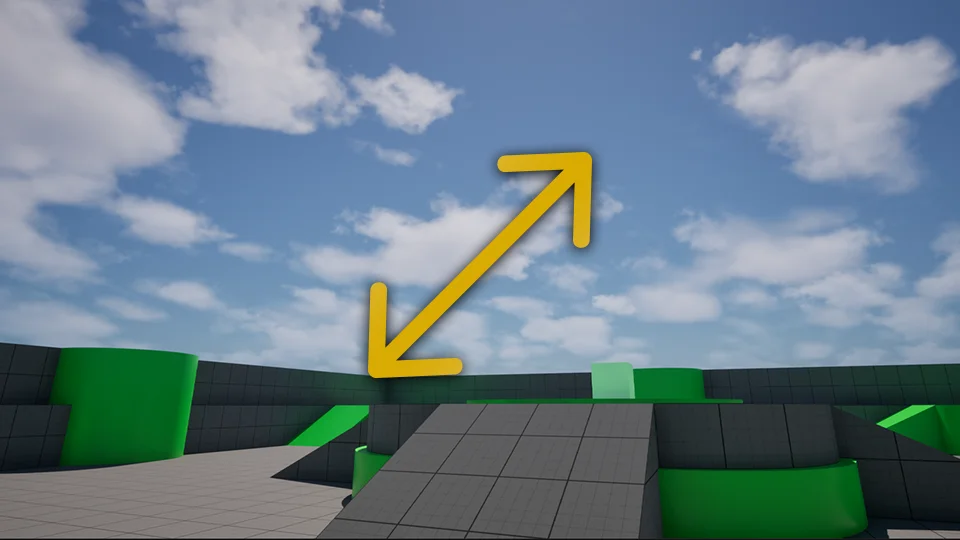
Learn how to get more viewport space in Unreal Engine by hiding the viewport toolbar and using fullscreen shortcuts.
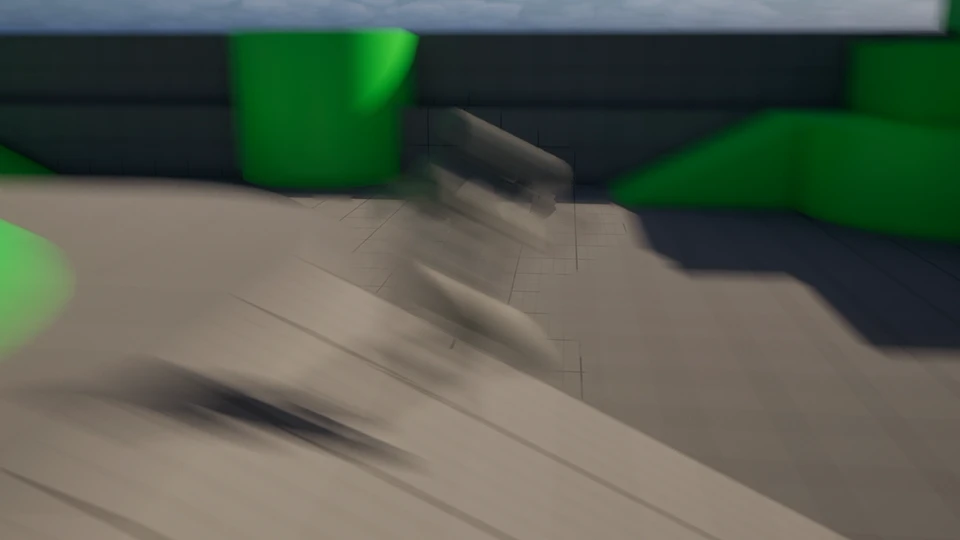
Learn how to view motion blur in Unreal Engine to quickly check how post process motion blur affects your scene.
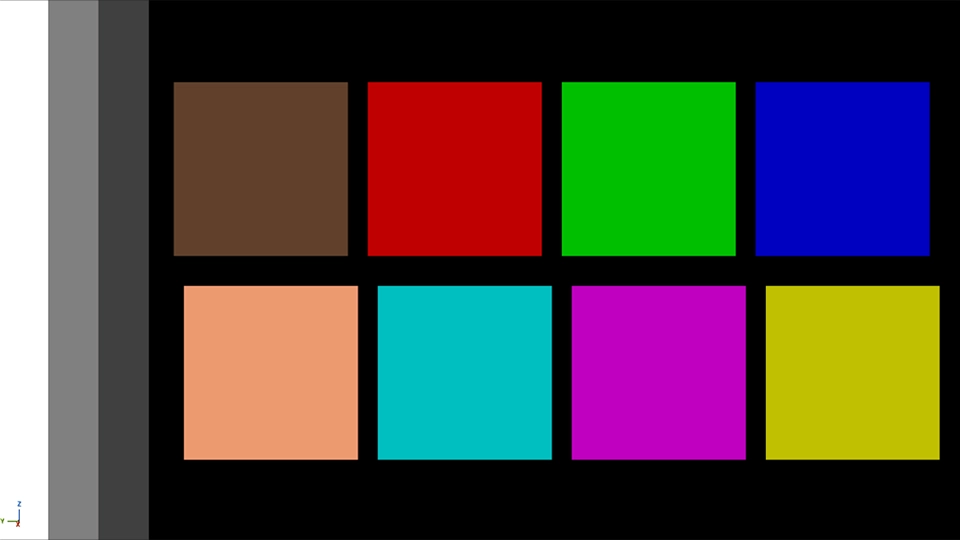
Learn how to display Unreal Engine’s color calibration palette using the Visualize Calibration Color console command.
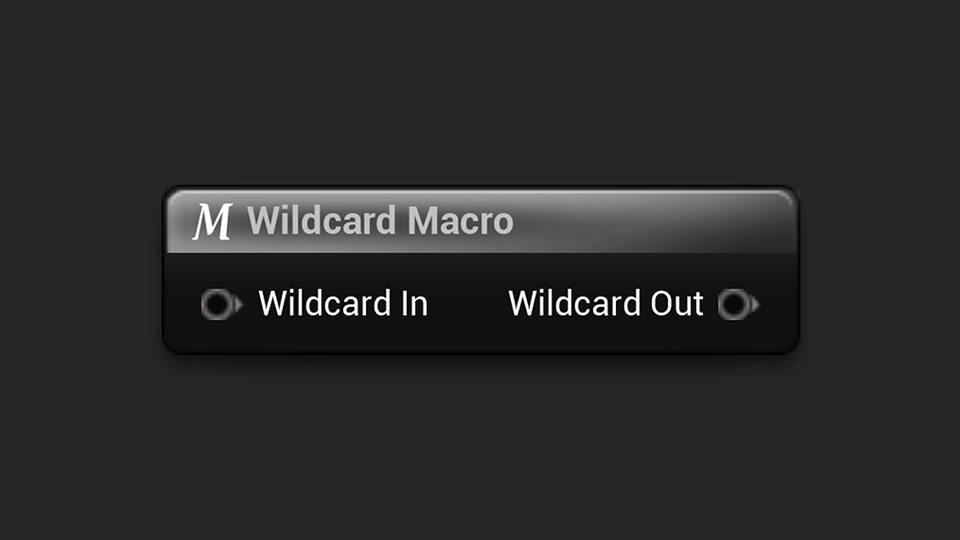
Learn how to use wildcards in Unreal Engine macros to create flexible logic that adapts to different variable types.

Learn how to use the Note & Documentation Actors in Unreal Engine to add helpful level notes, comments, and documentation directly inside your project.
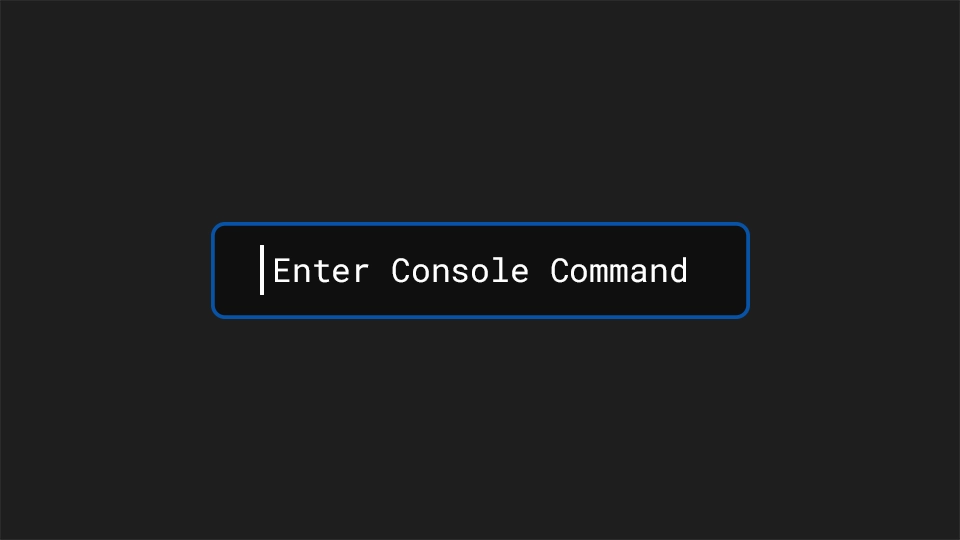
Learn how to view all exposed console commands in Unreal Engine for debugging, testing, and development.
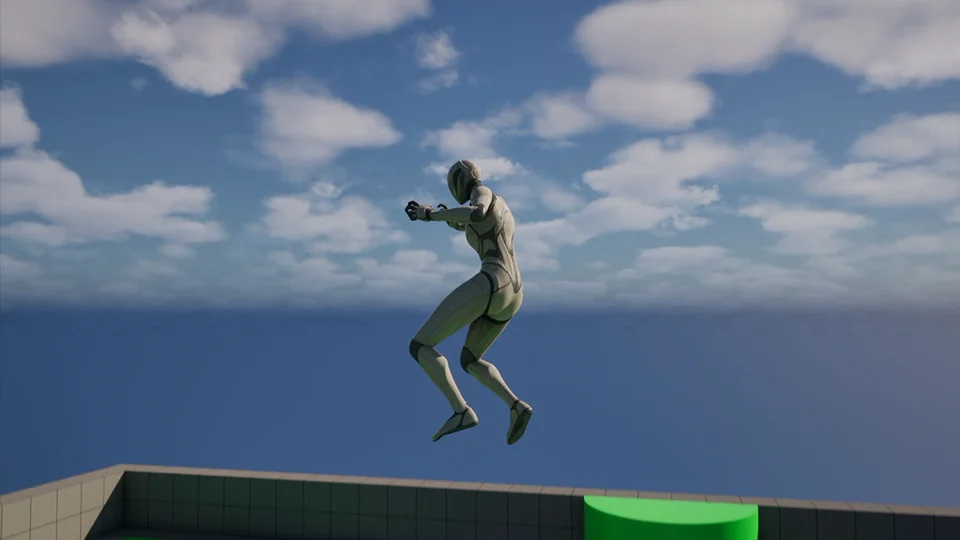
Learn how to change gravity in Unreal Engine for your whole project, a specific level, or characters.